Jun 2026-06-08
A misaligned sheet on a corrugated laminating line doesn't just create one bad board—it can trigger a cascade of downstream waste. When the printed top liner overhangs the fluting by even a millimetre, the trimming stage turns it into scrap. If the misalignment is consistent across a full pallet, that’s a pallet of lost material. Alignment isn't a one-time setting; it’s a discipline that begins at machine setup and continues through every job change.
This guide walks through a systematic approach to setting up the sheet registration and alignment components on corrugating equipment, with an emphasis on adjustments that operators can verify and repeat.
Before touching any adjustment knob, confirm that the machine's foundation is mechanically sound. Three pre-checks prevent hours of chasing alignment issues that originate outside the registration system:
Machine level and stability: Use a precision spirit level on the main frame and feeder table. A machine that has shifted on its mounting pads—common after heavy forklift traffic nearby—will never hold consistent alignment, because the entire reference plane has tilted.
Feed belts and rollers: Inspect the feed belts for wear, glazing, or uneven tension. A belt that slips intermittently will deliver sheets to the front lay at variable timing. Check that all feed rollers rotate freely and that one-way bearings engage cleanly without backspin.
Gripper bar condition: On machines that use a gripper bar to transfer the top liner, check that all grippers close simultaneously and with uniform pressure. A single weak gripper can allow the sheet to shift during acceleration, producing an alignment error that appears random.
These checks take ten minutes and should be part of the shift startup routine. Skipping them is the single most common reason operators end up “chasing” alignment drift throughout a shift.
In sheet-to-sheet lamination, the front lays (or head stops) establish the leading-edge position for both the printed top liner and the corrugated bottom sheet. This is the master reference for all subsequent alignment.
The adjustment sequence matters:
Set front lay height: The lays should be high enough to stop the sheet positively but low enough that the sheet doesn't bounce back. A common starting point is approximately three times the sheet thickness. For a 0.3 mm printed liner, set the lay opening to roughly 0.9–1.0 mm.
Square the front lays relative to the cylinder or registration drum: Use a dial indicator or a calibrated square to verify that the lay face is parallel to the impression cylinder axis. A front lay that is even 0.1 mm out of square across a sheet width will produce a skewed image, and that skew compounds when the fluting is applied.
Check lay timing: The front lays must lift clear of the sheet path before the grippers or feed rollers begin to advance the sheet. If the lift is too late, the sheet tail catches; too early, registration is lost before transfer. Timing is typically adjusted via the cam position on the feeder drive.
Once the front lays are set, run a series of unprinted sheets and measure the leading-edge distance from a fixed reference point on each. Consistent positioning within ±0.2 mm across ten sheets confirms the front lay setup is stable.
The side lay (or side guide) determines the lateral position of the sheet. Two principles govern reliable side lay performance:
Pull-type side lays should move the sheet gently against the stop: Excessive spring pressure or an aggressive cam profile will cause the sheet edge to buckle rather than register cleanly. For lightweight liners under 200 gsm, the pull force must be dialled back to prevent edge damage.
The side-lying position must be referenced from the centreline of the machine, not from the operator-side frame. If the side lay is set relative to the frame edge, but the frame itself is not centred over the fluting feed path, the two sheets will align to different centre references and produce a consistent offset.
A practical alignment test: run twenty sheets, stack them, and check whether the stack edges are flush on all four sides. If the side edges show a progressive taper, the side lay is pulling at an angle, or the sheet is rebounding.
The glue application section is often overlooked as an alignment factor, but an uneven glue film can cause sheets to shift during lamination. If the glue roll gap is wider on the operator side than the drive side, the fluting may receive a thicker adhesive layer on one edge. When the top liner is pressed onto this uneven film, it can slide sideways under pressure, creating a post-lamination misalignment that wasn't present at the feeder.
Check the glue roll gap with a feeler gauge at both ends and in the centre. Many service manuals recommend a gap tolerance of ±0.02 mm across the full width. If the gap is uneven, adjust the roll parallelism according to the manufacturer’s procedure—usually via jacking screws or eccentric bearing housings.
Also verify that the glue pan recirculation system maintains a consistent adhesive level. A falling level during a run changes the adhesive pick-up characteristics and can introduce gradual alignment drift as the bond pattern changes.
With the mechanical settings dialled in, the verification step is straightforward:
Prepare a marked test set: Use ten top liners with a printed crosshair or target in each corner. Mark the corresponding fluting sheets with the same target positions.
Run at production speed: Alignment behaviour can differ between crawl speed and full running speed because of dynamic forces on the sheet. Test at the speed you intend to run the job.
Measure the offset: On each laminated sheet, measure the distance between the top liner target and the fluting target at all four corners. The offset should be consistent. If the offset increases toward the tail of the sheet, the gripper timing or transfer point may need adjustment. If it varies sheet to sheet, check for mechanical play in the side lay or a worn feeder belt.
Make single adjustments and retest: Change only one variable at a time—front lay timing, side lay position, or glue gap—and run another ten sheets to isolate the effect. Adjusting multiple variables simultaneously makes it impossible to identify the root cause of any remaining error.
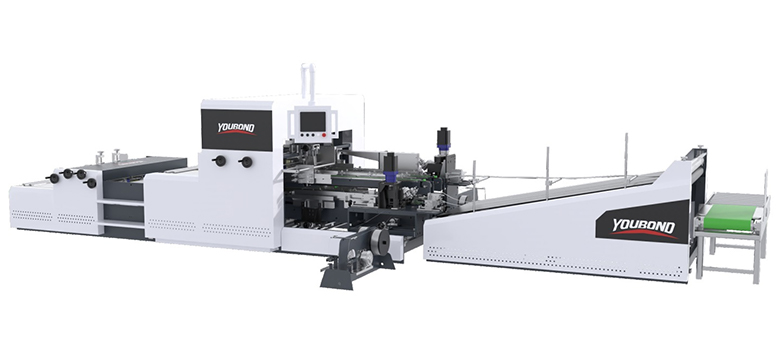
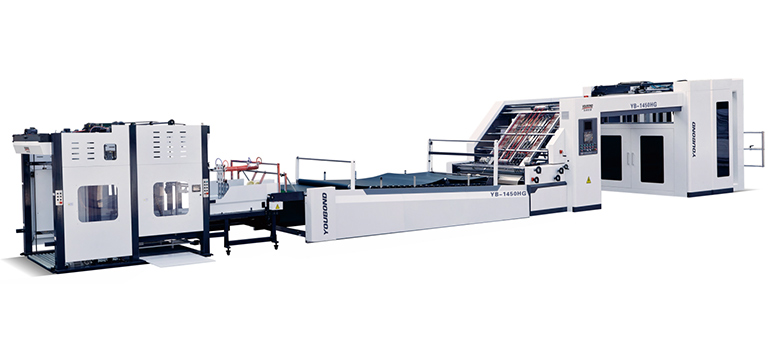
For operations that routinely switch between sheet sizes, equipment that stores alignment parameters digitally eliminates the need to repeat this full sequence at every changeover. Examining high-speed laminating systems with recipe-based sheet registration can clarify how automation reduces setup time on a laminated corrugated sheet using a calibrated ruler, with test targets visible in the corners]
Even experienced operators encounter persistent alignment problems when certain factors go unchecked. The following issues are frequently misdiagnosed:
Chasing temperature drift during warm-up. Machine frame components expand as they reach operating temperature. A machine set up cold may shift alignment slightly during the first hour of running. Rather than constantly adjusting, allow a 20–30-minute warm-up cycle with scrap sheets, then perform the final fine-tuning.
Ignoring sheet squareness from the printer or cutter. If the sheets entering the laminator are not square to begin with—common when they come from a guillotine cutter with a dull blade or a sheet-fed press with slight misregistration—no amount of machine adjustment will produce a perfectly aligned output. Check incoming sheet squareness by measuring diagonals; they should match within 1 mm for sheets up to B1 format.
Using the side lay to compensate for a skewed front lay. If the front lay is out of square, the operator may correct the visible misalignment at the side lay, but this produces a sheet that is registered at the leading corner but rotated overall. The result is a trimmed board that looks aligned on the leading edge but shows progressively worse trim on the sides. Always correct the front lay squareness before adjusting the side lay.
The setup procedures described above apply broadly to corrugating equipment, but the ease with which they can be executed varies significantly between machine designs. Features that reduce setup complexity and improve repeatability include:
Servo-driven lateral registration that adjusts automatically based on sheet width data entered at the control panel, eliminating manual side lay positioning.
Digital front-lay position readouts on the HMI, allowing operators to return to a known setting without trial-and-error measurement.
Quick-release clamping on guide rails that allows tool-free front and side lay repositioning during size changeovers.
Automatic glue gap adjustment tied to the sheet grammage and fluting type selected in the recipe, maintaining consistent adhesive application without manual measurement.
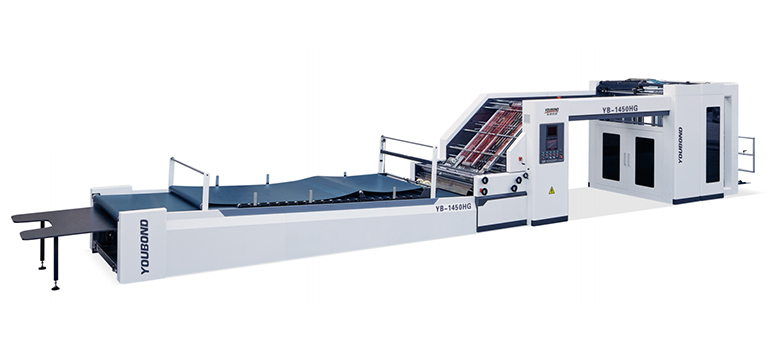
For plants running multiple sheet sizes per shift or producing short-run jobs, these features translate directly to less downtime between jobs and fewer alignment-related rejects. To see how YONGBANG integrates precision setup capabilities into its corrugating and laminating equipment, you may want to explore how YONGBANG designs laminating systems for fast, repeatable sheet alignment.
The most reliable alignment results come not from operator skill alone, but from standardised setup procedures. Document the target settings for each sheet size and material combination that your plant runs regularly. Include front lay height, side lay position, glue gap, and any machine-specific adjustments. Laminate this sheet—literally—and keep it at the operator station.
When new operators are trained, the documented settings become the baseline rather than individual preference. When a job repeats, setup time drops. When an alignment problem appears, the checklist helps isolate whether the issue is mechanical or procedural.
A well-set-up laminating system that holds alignment across thousands of sheets does more than reduce scrap. It allows the downstream trimming, die-cutting, and folding operations to run at their rated speeds, with confidence that every board entering the process is dimensionally consistent.
Disclaimer: The setup procedures described in this article reflect widely accepted practices in corrugated laminating operations. Specific adjustment sequences, tolerances, and safety procedures should always follow the machine manufacturer’s official documentation. Always isolate and lock out energy sources before performing any mechanical adjustments or maintenance.
GET A QUOTE

 English
 China
China